
One of the most popular sporting events in Europe is the Serie A, i.e., the professional football league of Italy. It is at the pinnacle of the Italian football league hierarchy.
The league, which ranks third after the English Premier League and the Spanish La Liga, is more well-known compared to the German Bundesliga. It would be intriguing to see if Juventus can rebound from a dismal previous year.
Overall, the Italian football season is going to be quite exciting for all of the fans. You can easily watch the league easily from your FireStick device by using one of the following services.
How to Stream Serie A on FireStick
Serie A was previously broadcasted in the USA only by CBS, which underwent a facelift last year when it changed its name to Paramount+. Therefore, you can now view every Serie A game on Paramount+.
However, several other streaming providers offer these services as well. You may stream Serie A on FireStick from any location using one of the solutions listed as follows:
Paramount+
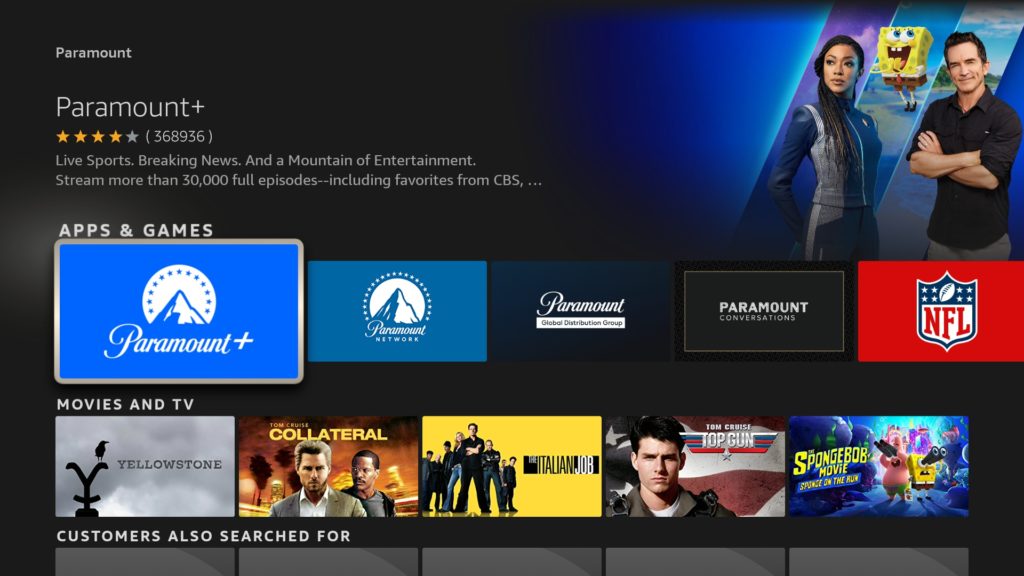
The Paramount+ streaming service, which CBS has unveiled recently, is more than simply a renamed version of CBS All Access.
There are several TV series, motion pictures, and live TV channels on Paramount+. In the sports section, in addition to covering Serie A, it transmits UEFA and NFL matches in the US.
The app has a contemporary design and is accessible on smartphones, Mac, Windows, and Amazon FireStick. New subscribers can also use the service for free for seven days.
You may subscribe to subscription plans starting at USD 4.99 monthly and also receive a 25 percent discount if you’re a student. You may choose the USD 49.99 yearly plan to save even more money.
fuboTV

FuboTV features more than 100 live TV channels. It has sections for sports, kids, entertainment, and news. The cost is more than average at USD 64.99 monthly, as you would have predicted, yet the membership does include cloud DVR support.
You can watch a week’s worth of Serie A games without paying anything thanks to fuboTV’s seven-day free trial.
Hulu Live TV
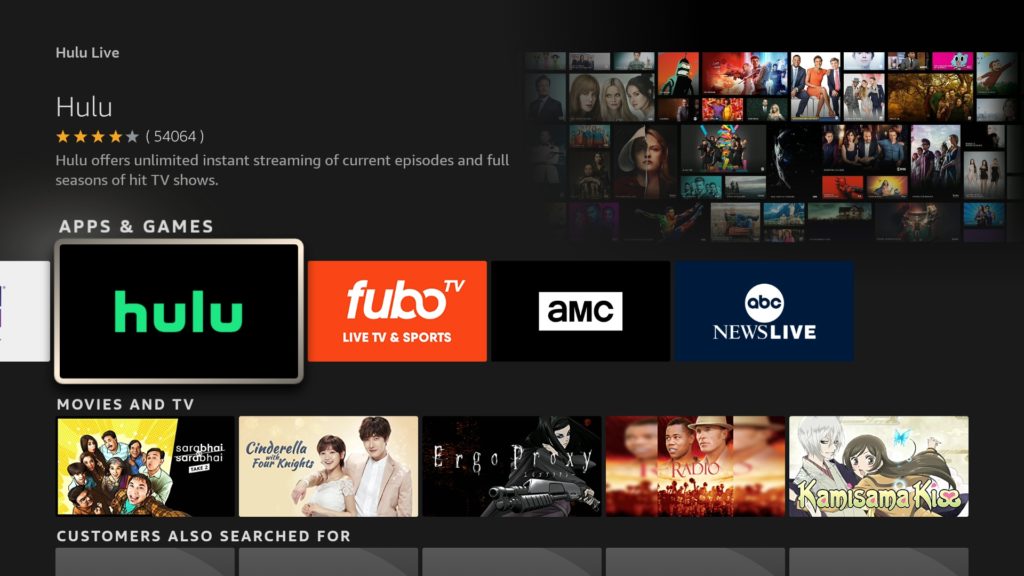
Hulu Live TV can be a better option than fuboTV if your monthly spending limit is USD 64.99. Additionally included in the package are memberships to Disney+ and ESPN+.
Thus, you can easily access all of Disney’s original TV series, films, and more, while famous sports events such as NFL, Formula 1, La Liga, UFC, Premier League, and more are all covered with ESPN+.
Moreover, you also receive Hulu originals. The service provides a free 7-day trial, similar to the other providers on the list, allowing you to stream the Serie A before having to pay for a week.
Peacock
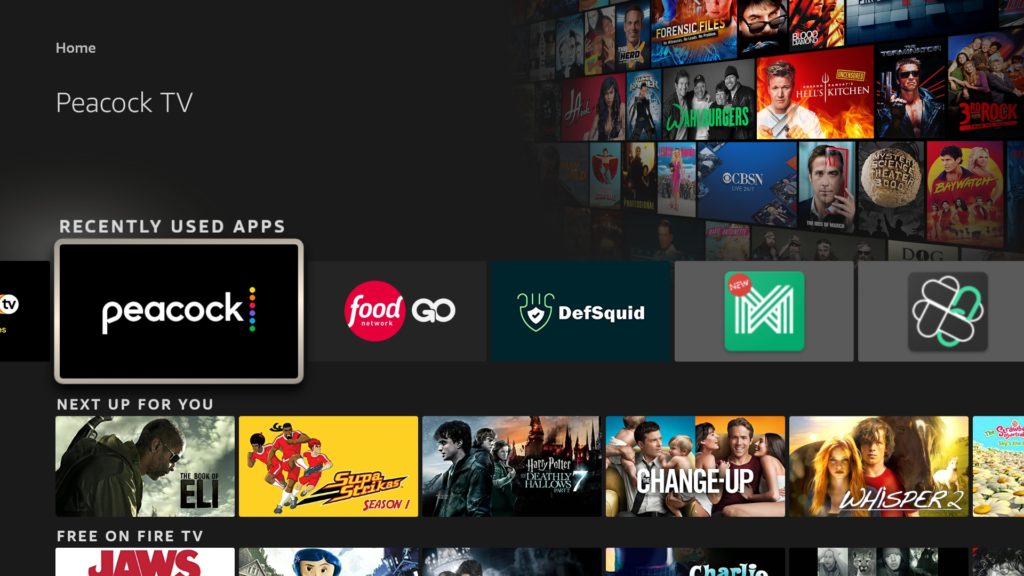
Peacock by NBCUniversal has generated a lot of excitement in the video streaming industry. All of the CBS networks, which includes CBS Sports, are available on this package.
Peacock allows you to stream the complete Serie A season on FireStick without the need for a cable subscription.
There are over 33 million customers, giving the service a strong start. Peacock is reasonably priced in comparison to the opposition.
The package starts at USD 4.99 monthly, and the most comprehensive package is USD 9.99 monthly. Moreover, new users are given a 7-day free trial as well.
Prior to switching to the subscription package, you can stream Serie A games for one week without any fee.
YouTube TV

Taking advantage of the success of YouTube, Google has joined the streaming market as well. Given that it offers the two famous sports channels, i.e., ESPN and CBS Sports, over 75 live TV channels available by the service are more than sufficient to meet your demands for sports.
Since YouTube is a Google service, you can anticipate excellent quality and experience. For the first three months, YouTube TV costs USD 54.99 monthly, and afterward, it increases to USD 64.99 monthly. It offers limitless cloud DVR as well.
Furthermore, two weeks of Serie A are available to be viewed during the 14-day trial period with YouTube TV for free.
AT&T TV
With its AT&T TV service, AT&T, i.e., the second largest carrier in the US, has entered the market for video streaming. The price is the highest of the group, and there is no free trial available to try the service.
You can, nevertheless, access more than 65 live TV channels, such as AMC, ESPN, NBC, CBS, and Comedy Central, for as little as USD 69.99 monthly with its paid subscription.
You also receive a year of HBO Max if you choose the more expensive plan, which costs USD 84.99 monthly. There are 20 hours of cloud DVR storage included with each premium subscription.
BT TV
You can watch Serie A games on your FireStick device in the UK for only 25 Euros monthly with the Monthly Pass subscription with its official app. You have access to every BT Sport channel and can stream a number of different sports events.
All popular platforms, such as Android, iOS, Apple TV, Android TV, and FireStick, support the BT TV app.
DAZN
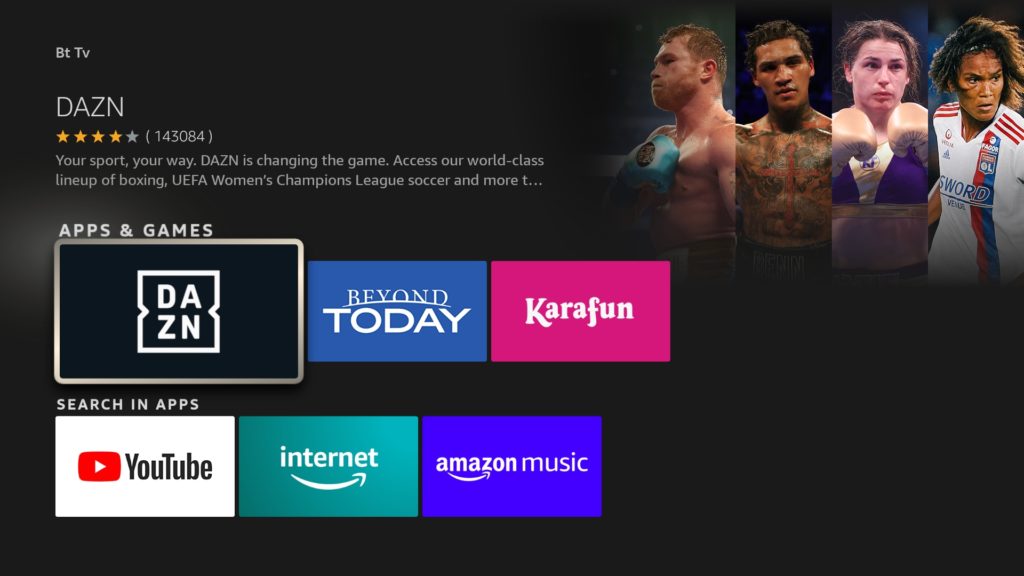
All famous sporting events are broadcast on DAZN across Canada and the majority of Europe. The program was introduced in 2016, and fans who appreciate sports have made it one of their go-to services.
You can watch all famous football leagues with a paid membership of DAZN, as well as other sporting events like the NFL, Wimbledon, F1, and more on your FireStick device.
Furthermore, the starting monthly price of CAD 2 is a great deal as well.
Read more : How to watch NFL Super Bowl on FireStick
Use a VPN to get access to the above-mentioned channels from anywhere
Some of the channels mentioned below are region-locked, and this is why you need a VPN to get around regional limitations. All you have to do is get a VPN, log in to the VPN app, and connect to a country server where the channel is available. Here’s how you can set up PureVPN on your devices at home:
You can install PureVPN by the following steps:
1. Subscribe to PureVPN.
2. Turn on your Fire TV Stick, then select Find, then Search.
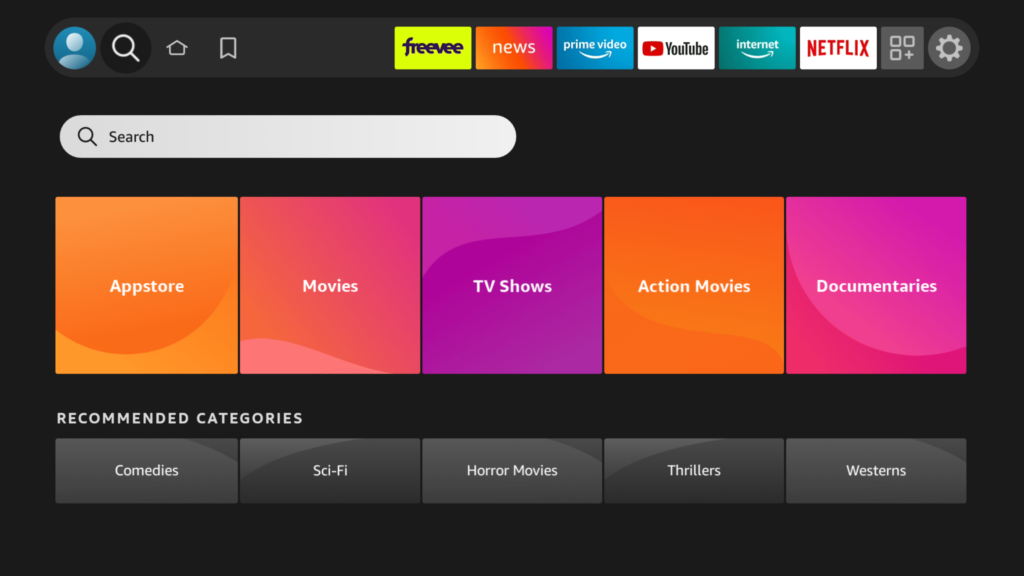
3. Enter PureVPN in the search field, and when PureVPN appears in the search results, click it.

4. Click Download now to download the PureVPN app.
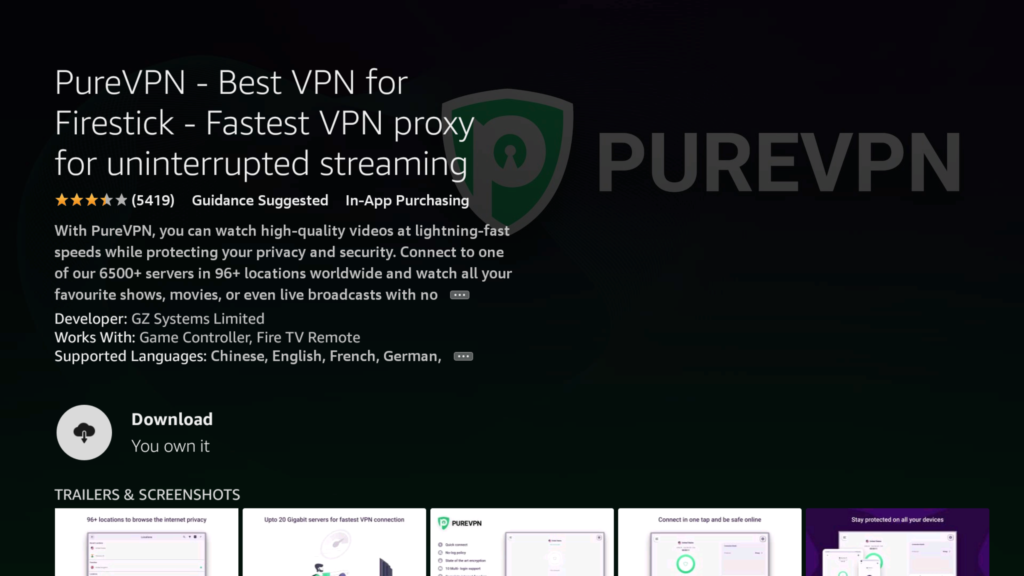
5. After opening the app, log in using the credentials you generated when you purchased the subscription. Press Sign in.

PureVPN

June 20, 2023

3 years ago


